The article describes how to download and install the FCLite API.
To download and install the FCLite API, you need to follow these steps:
Step 1: Installing Node.js.
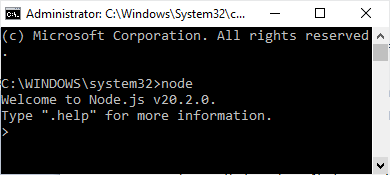
Ensure that you have Node.js application installed if you are using a Microsoft Windows computer. To do this, open a command prompt in administrator mode:
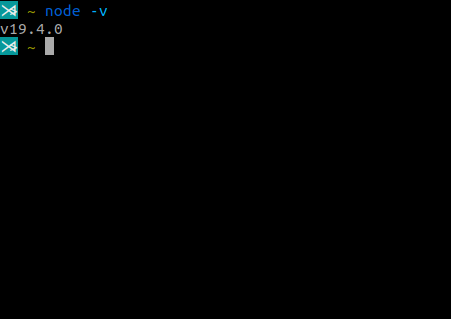
Type the command node and press enter to test if NPM and Node.js are installed.
To install Node.js, you can download the latest package from the official Node.js website:
https://nodejs.org/en/download
Step 2: Pulling down the project
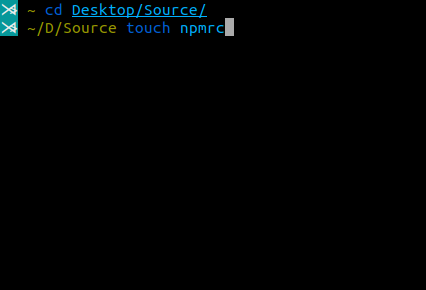
Create a file named .npmrc in the root of your project containing a single command:
@gehtsoft:registry=https://www.myget.org/F/gehtsoft-public/npm/
Step 3:
Open a command prompt and change to the directory containing your project.
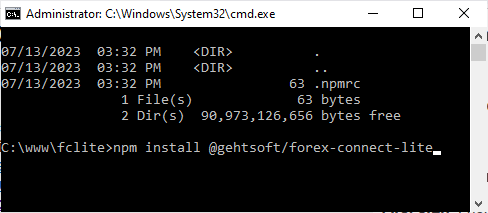
Execute the command:
npm install @gehtsoft/forex-connect-lite
This will download the fclite npm packages and install them. However, you may see a message similar to the following:
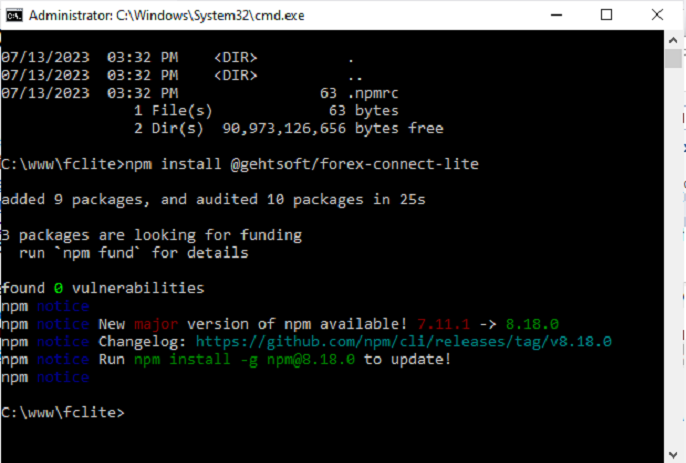
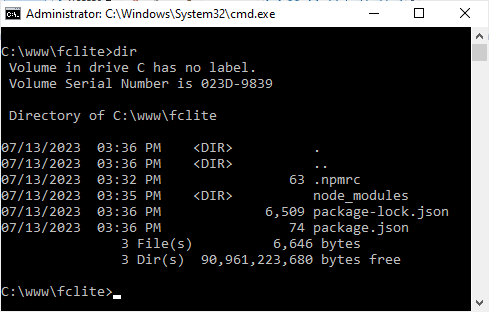
Now that this is done, you can see that you have download two packages to your project directory: forex-connect-lite to work in browser and forex-connect-lite-node for node projects. Now you can access the FCLite API from your project.