fxcodebase-backup
Curved Trend line Progression Tool
Source: https://fxcodebase.com/code/viewtopic.php?f=17&t=66833
Forum: 17 · Topic 66833 · 11 post(s)
Curved Trend line Progression Tool
Apprentice · Mon Oct 15, 2018 3:04 pm
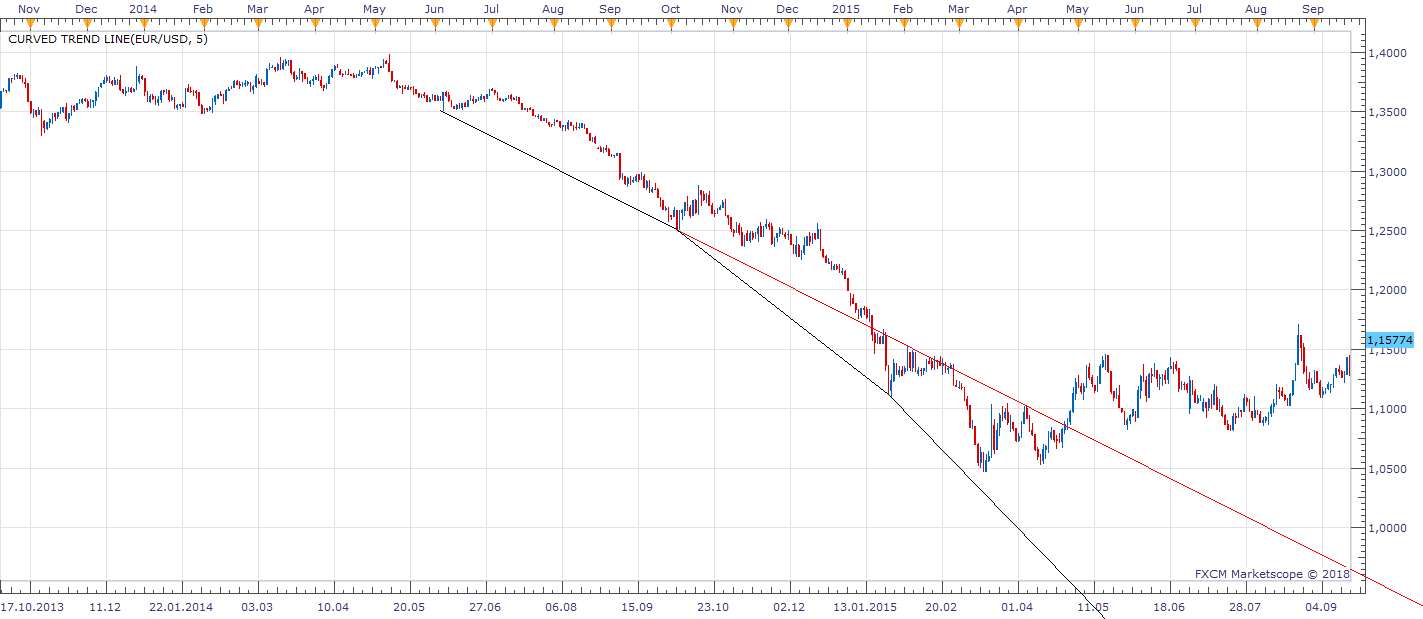
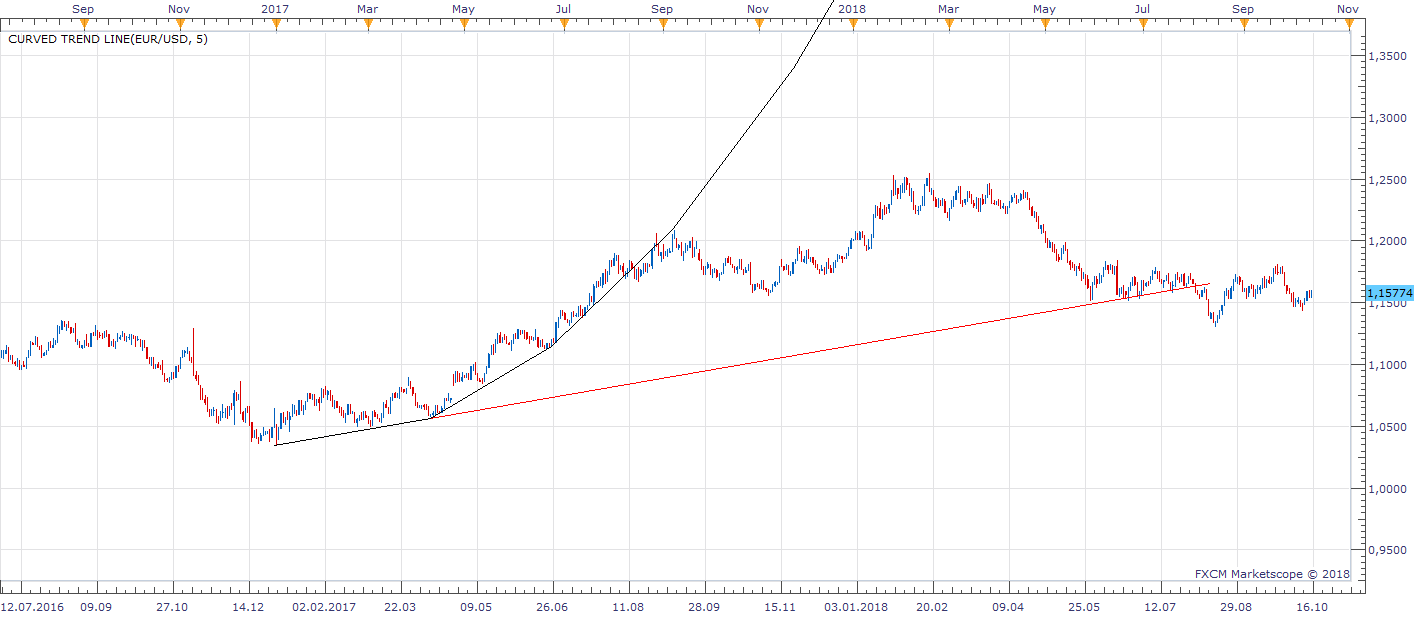
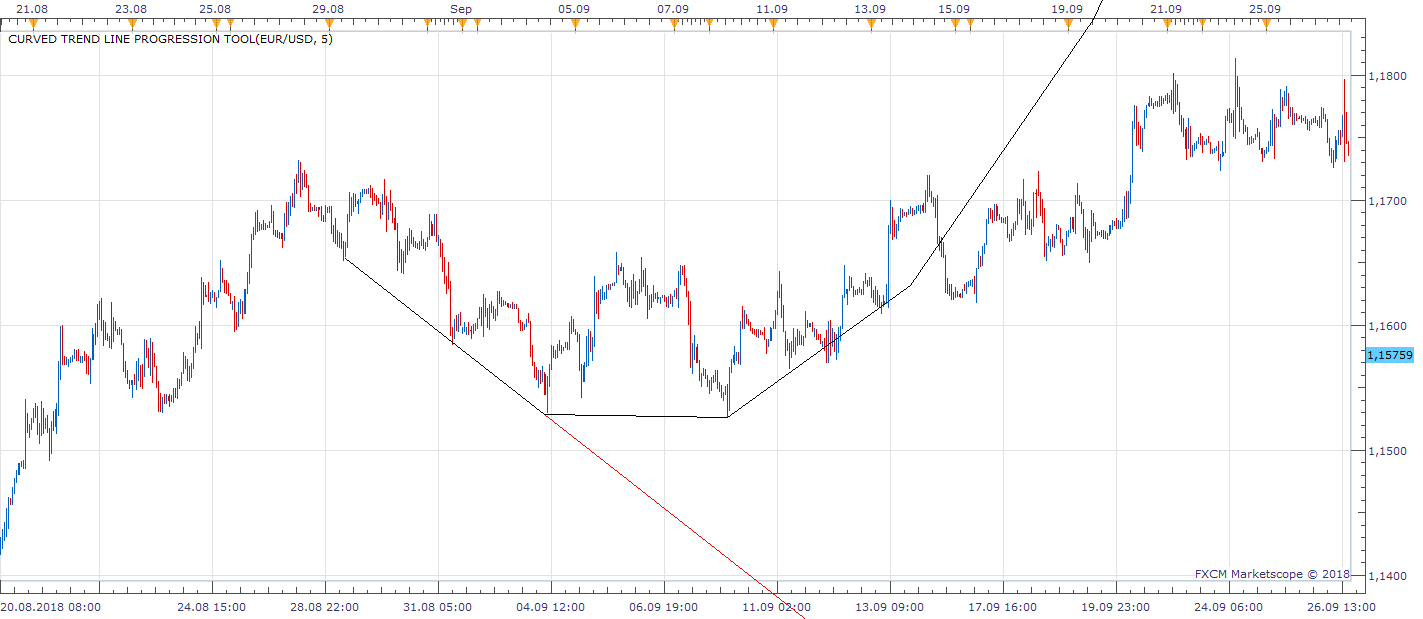
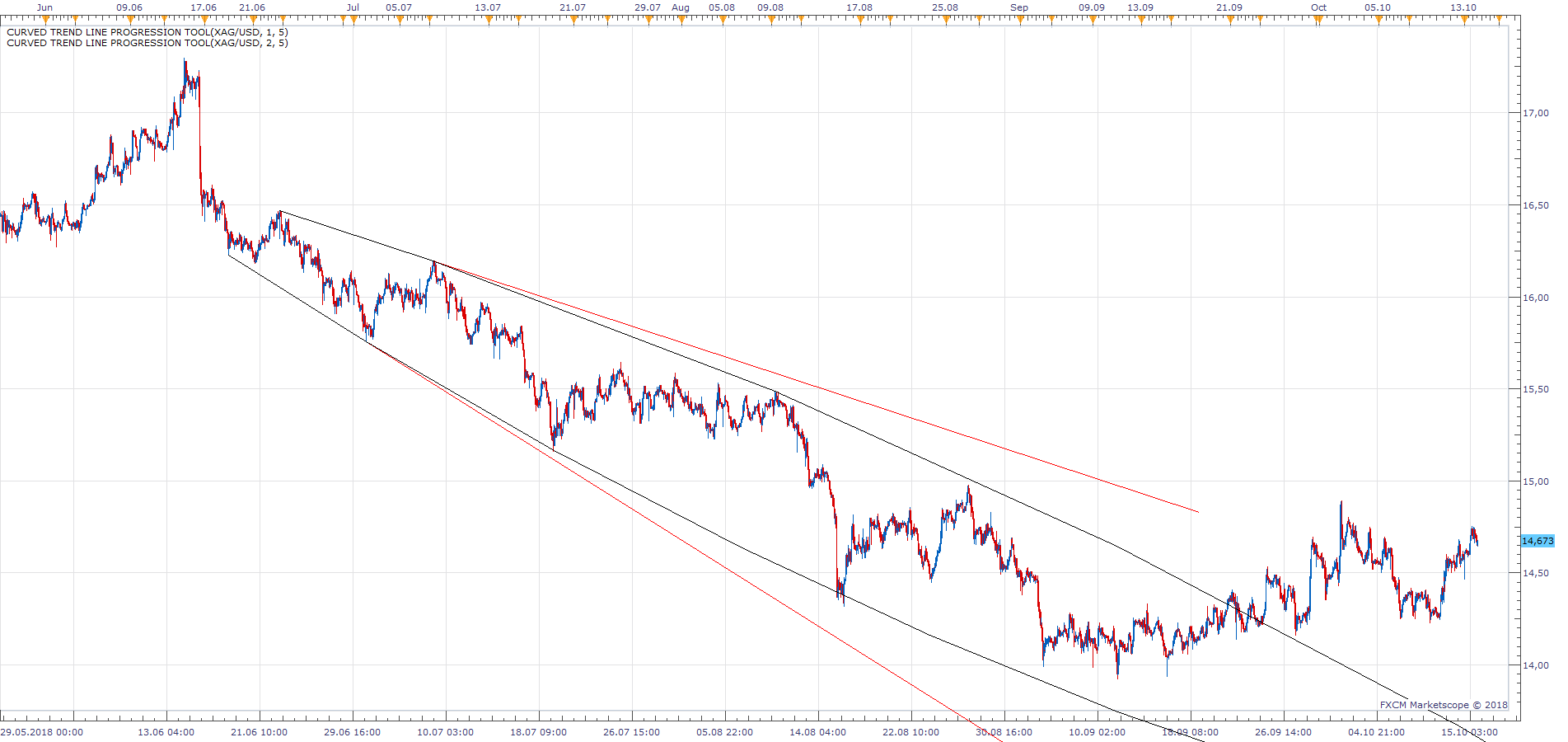
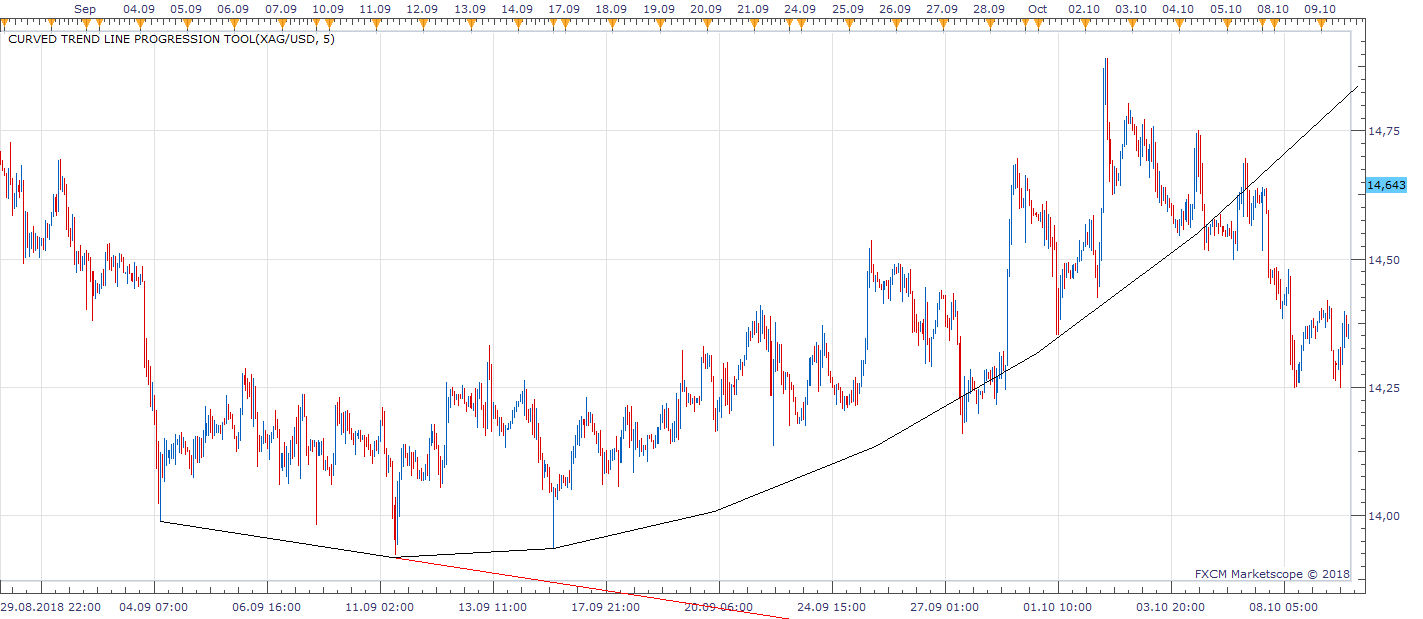
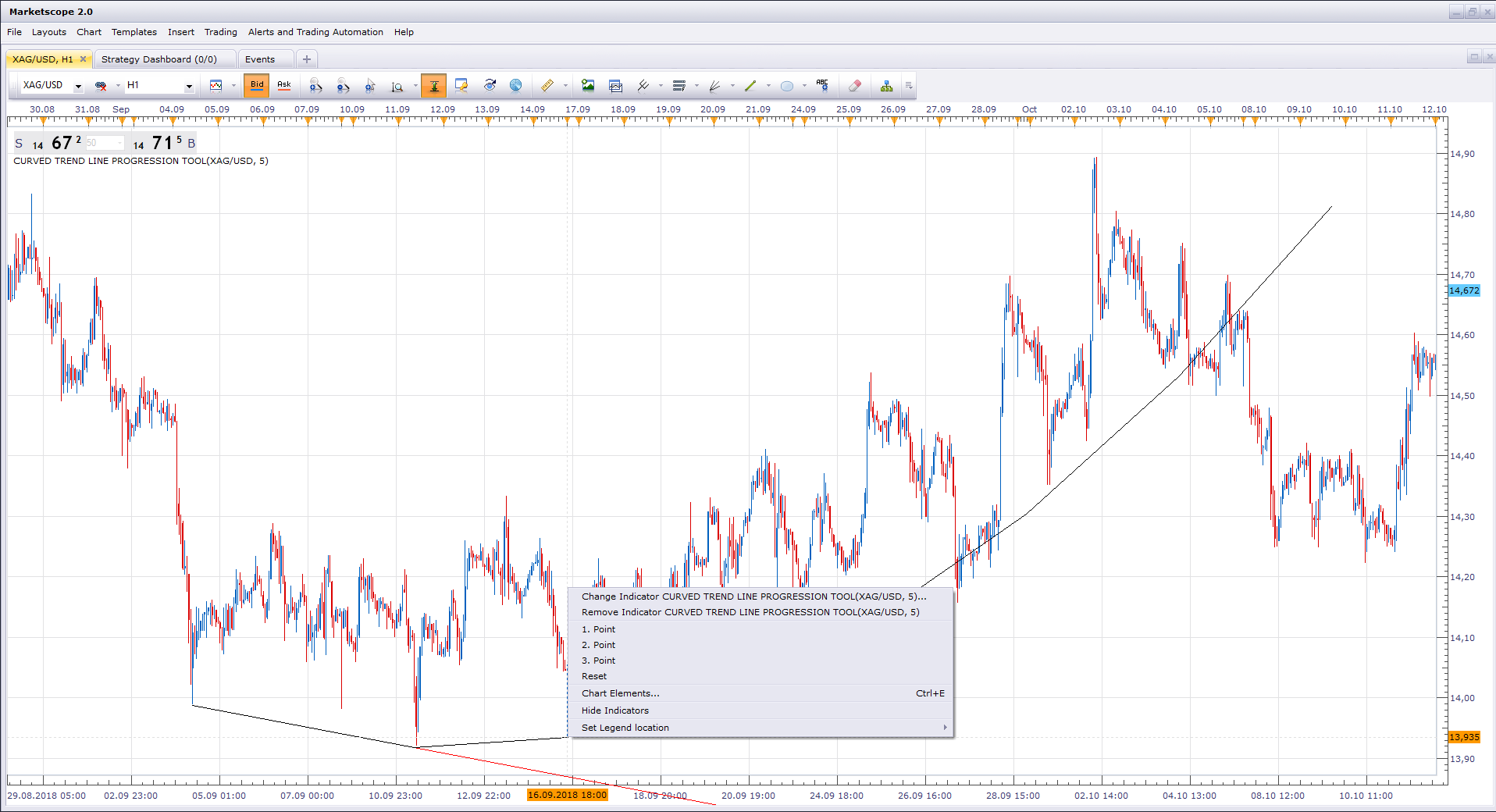
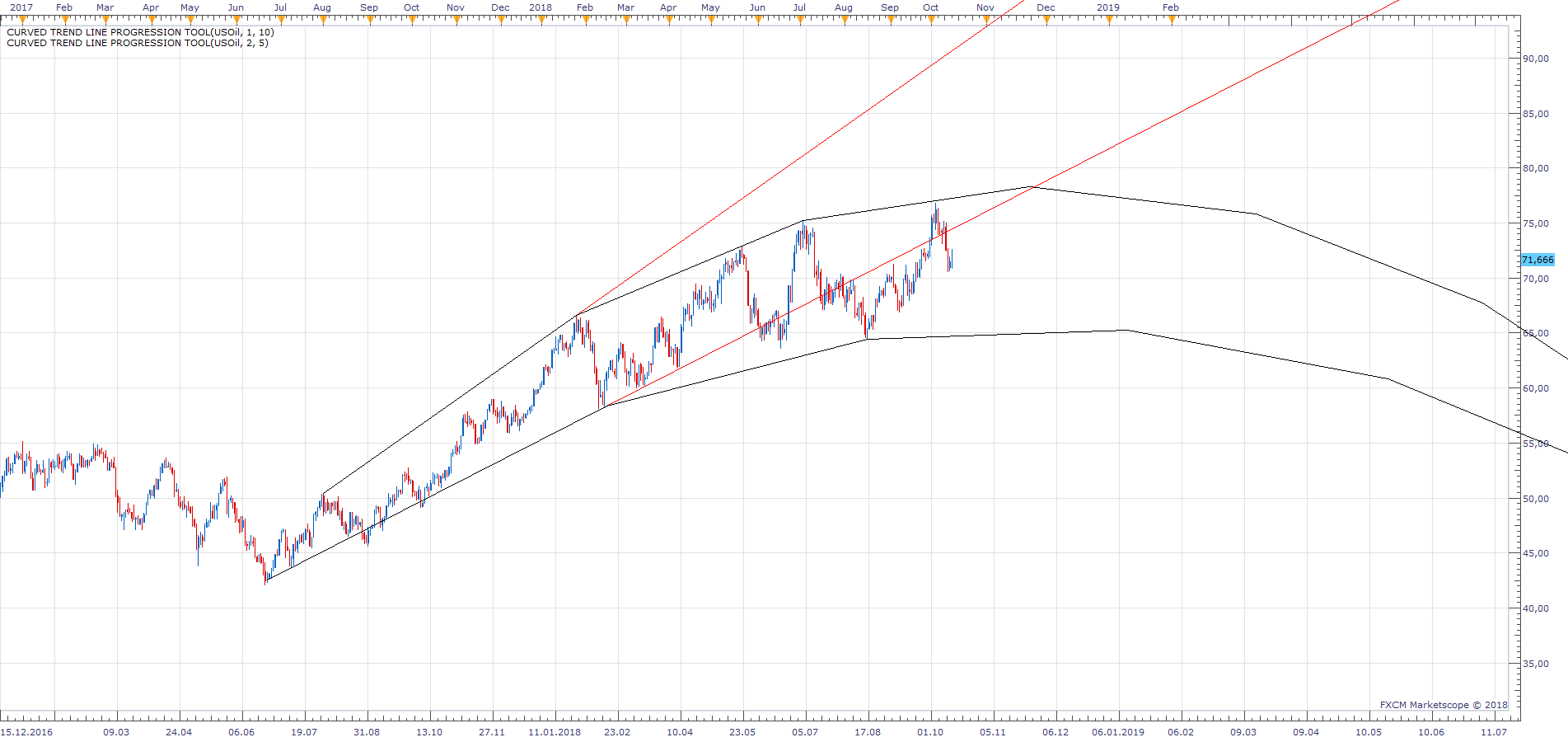
Using Lagrange Interpolation, Based on three points defined by the user, the indicator will try to approximate future trend line progression.
Curved Trend line Progression Tool.bin
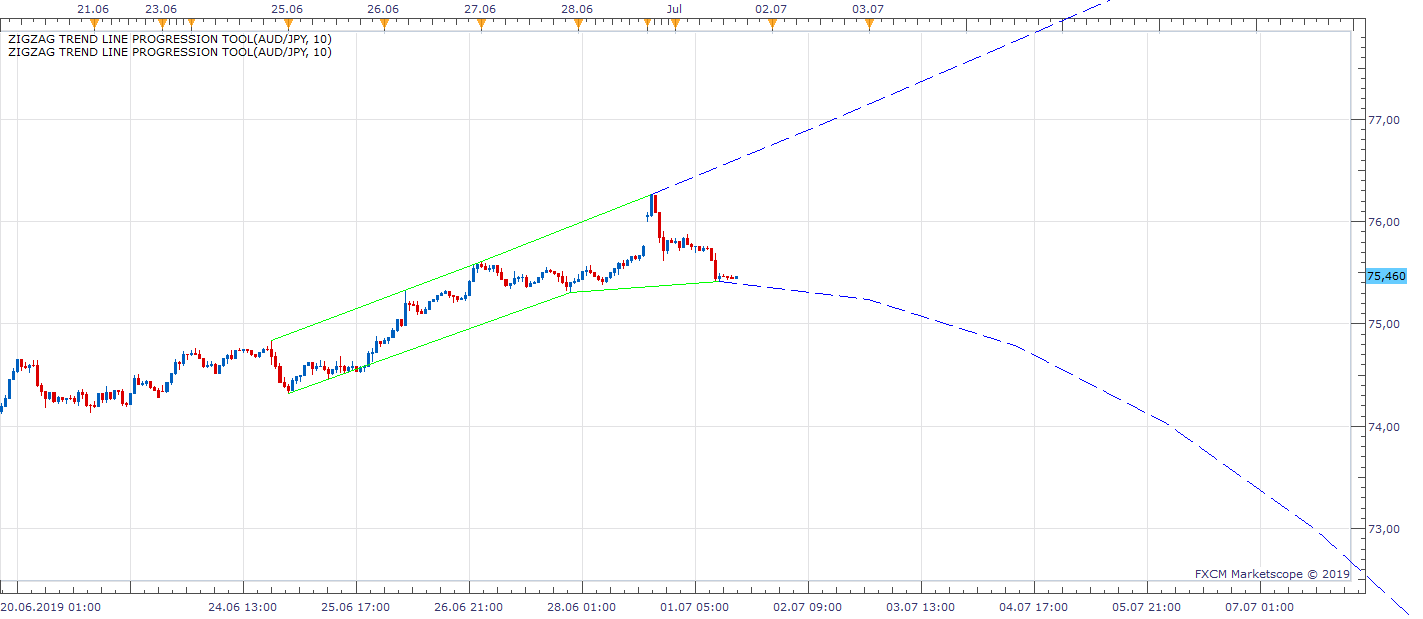
ZigZag based version with autoselection.
ZigZag Trend line Progression Tool.bin
Multi-Line version of the indicator. viewtopic.php?f=17&t=69082
Re: Curved Trend line Progression Tool
Apprentice · Fri Oct 26, 2018 4:18 am
Major update. Please re-download.
Re: Curved Trend line Progression Tool
Apprentice · Mon Nov 05, 2018 8:27 am
Channel option added.
Re: Curved Trend line Progression Tool
Apprentice · Mon May 13, 2019 10:34 am
Major update. Please re-download.
Re: Curved Trend line Progression Tool
SANTOSH · Mon Jul 01, 2019 6:40 am
Hello Apprentice , Instead of user intervention for the three point set up everytime , can you make it as auto- selection ?? The three points selection could be a zig high -low or anything better high low rather than zig .
- Santosh
Re: Curved Trend line Progression Tool
Apprentice · Mon Jul 01, 2019 4:04 pm
Try ZigZag Trend line Progression Tool.bin
Re: Curved Trend line Progression Tool
Apprentice · Mon Apr 20, 2020 1:14 pm
Last Three Candles Mode added. Single stream sources allowed.
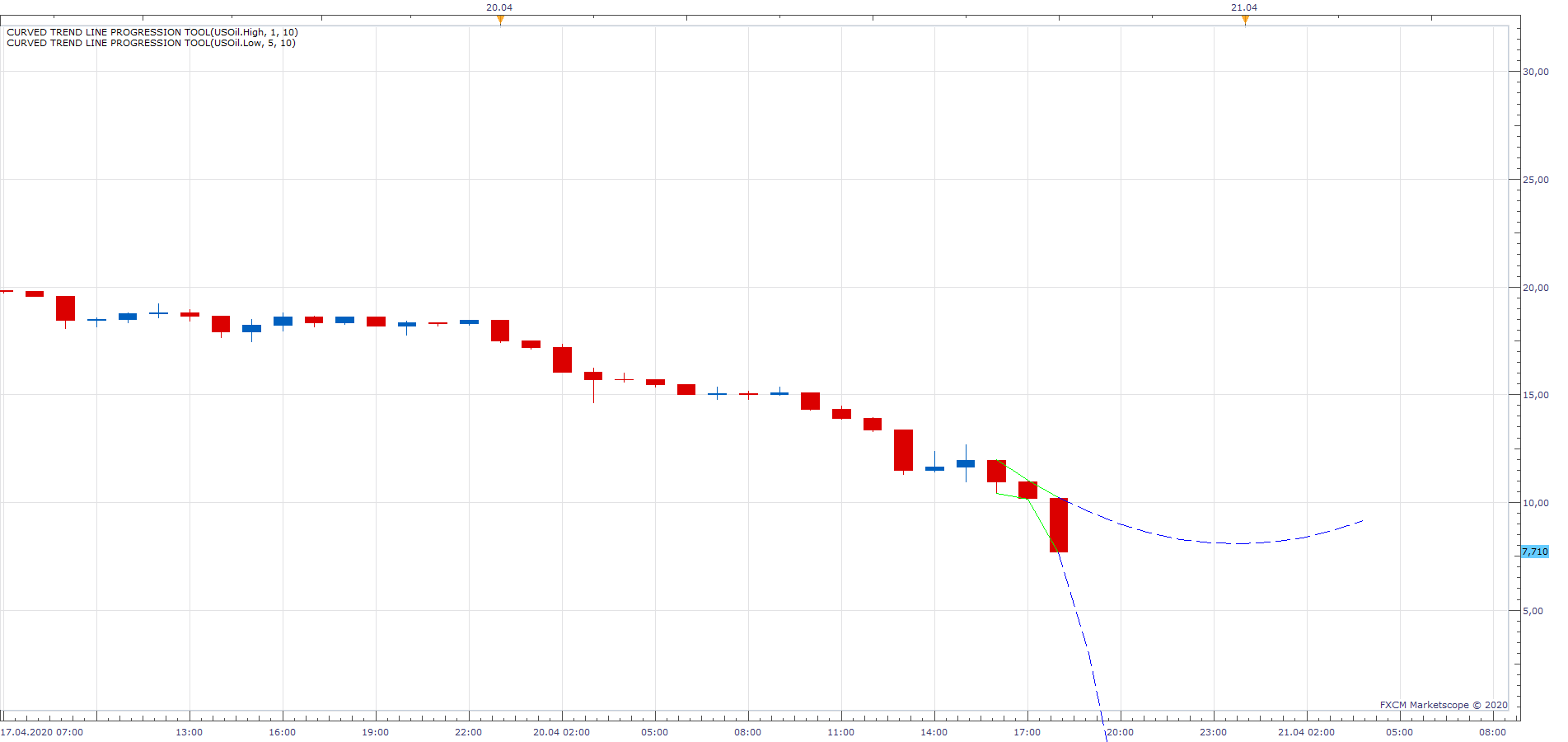
If on, it will draw lines automatically.
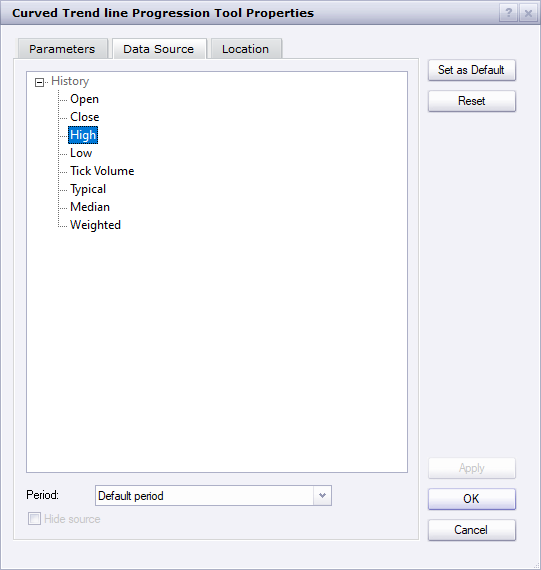
You only need to select a source (high or low).
Re: Curved Trend line Progression Tool
Cactus · Tue May 26, 2020 8:23 pm
This looks very interesting.
I notice when an indicator seems a bit more complex you tend to post it as a .bin extension resource, which is the same as .lua but does not allow for seeing source code as you know. Just like in the case of “pitchfork”. I see potential in this but also some problems. When selecting the points using the “context menu” it is not very precise and time consuming. Would it be possible to allow for .csv file input for the points? So user can draw multiple trendlines with one indicator, providing it with a .csv file. Also, can the outputs of these lines be used in strategies as streams with values for every period? Later we can implement a “lookback” / “backstep” parameter also to draw multiple instances in the past with just one indicator.
Thank you for your hard work
Re: Curved Trend line Progression Tool
Apprentice · Wed May 27, 2020 5:04 am
Your request is added to the development list. Development reference 1368.
Re: Curved Trend line Progression Tool
Apprentice · Tue Jun 09, 2020 7:19 am
Curved_Trend_line_Progression_Tool_csv.lua
Curved_Trend_line_Progression_Tool_csv.csv.csv
Try this version.
Re: Curved Trend line Progression Tool
Cactus · Fri Dec 18, 2020 10:34 am
Apprentice wrote:
Curved_Trend_line_Progression_Tool_csv.lua
Curved_Trend_line_Progression_Tool_csv.csv.csv
Try this version.
Lovely, thank you