fxcodebase-backup
MCP MTF OBOS Dashboard
Source: https://fxcodebase.com/code/viewtopic.php?f=17&t=63781
Forum: 17 · Topic 63781 · 9 post(s)
MCP MTF OBOS Dashboard
Apprentice · Thu Aug 18, 2016 6:22 am
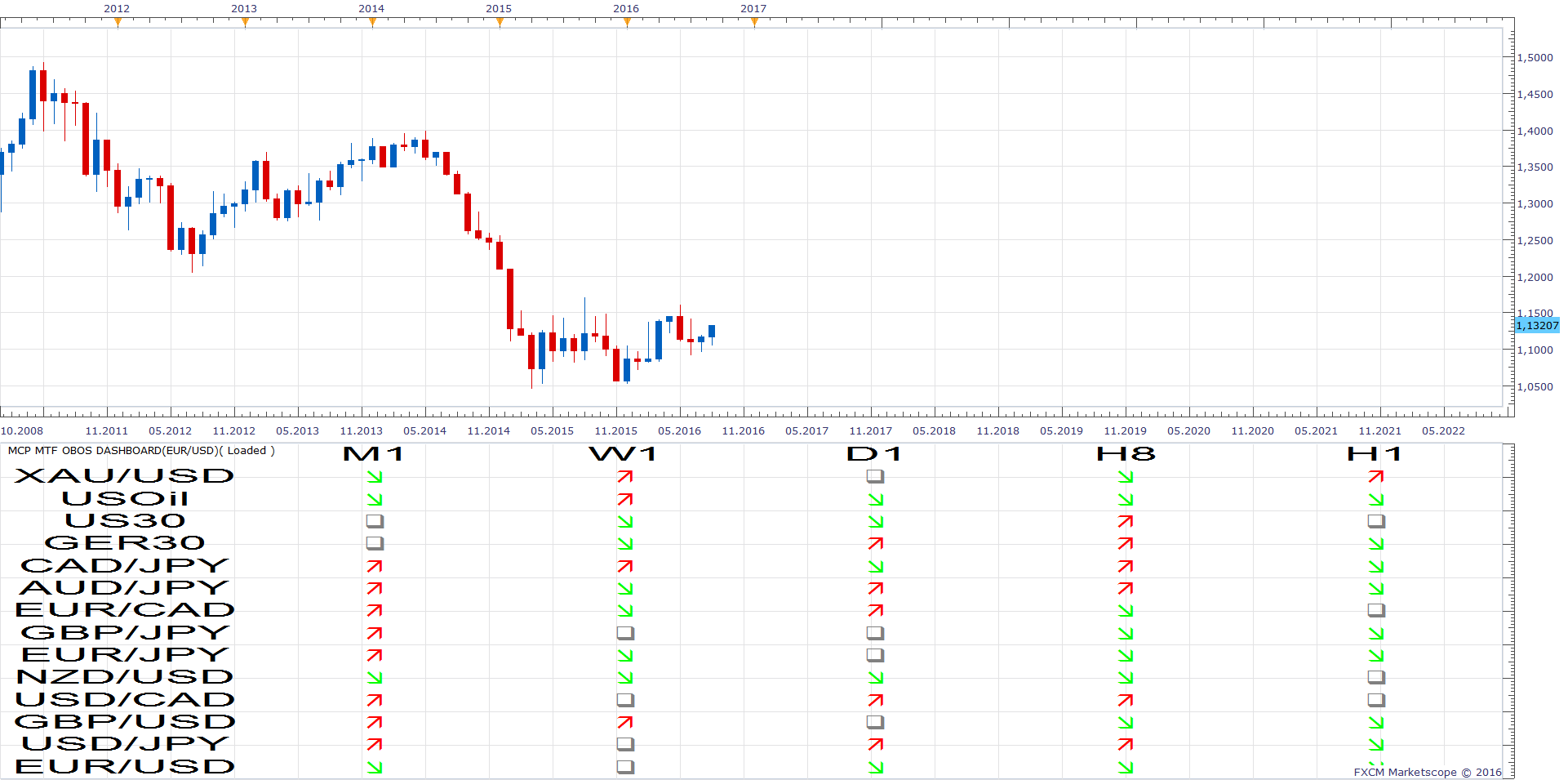
Re: MCP MTF OBOS Dashboard
7510109079 · Tue Aug 23, 2016 4:29 am
excellent thx Apprentice, however i cannot see anywhere to input OB & OS values.
e.g. if OB can be set by user to e.g. 75 and OS set to -75 green up arrow will show when OBOS midline >= 75 red down arrow will show when OBOS midline <= -75 grey for any midline values within the 75 to 0 to -75 midband range
Re: MCP MTF OBOS Dashboard
Apprentice · Tue Aug 23, 2016 2:13 pm
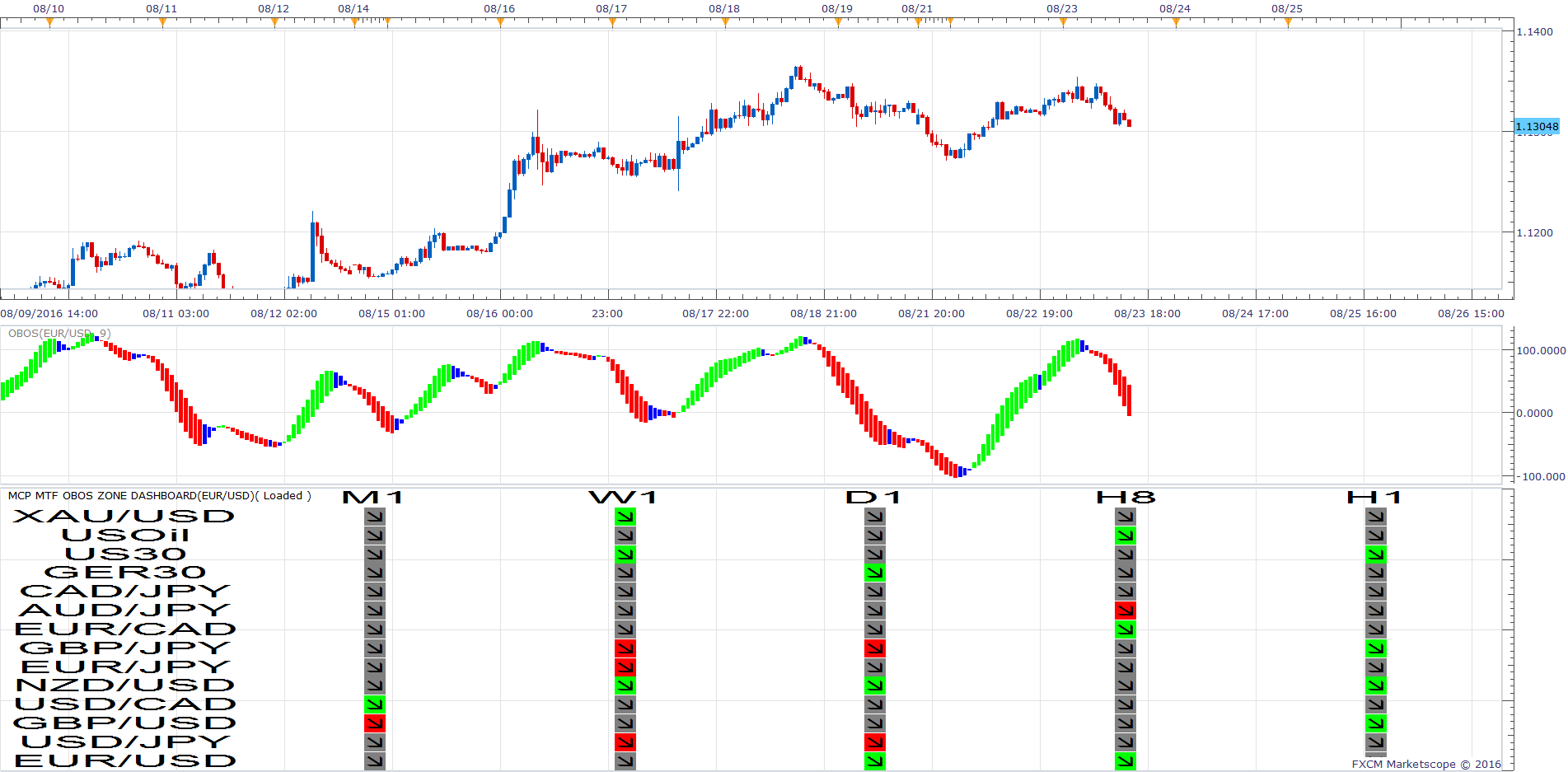
What do you think about this approach.
OB can be set by user to e.g. 75 and OS set to -75 Green background will show when OBOS midline >= 75 Red background will show when OBOS midline <= -75
Arrow will show the direction indicator.
MCP MTF OBOS Zone Dashboard.lua
Re: MCP MTF OBOS Dashboard
7510109079 · Wed Aug 24, 2016 3:52 am
Thx Apprentice. This is a very good approach.
Just two things: 1) Can the OB/OS values be part of the TimeFrames rather than the currency pairs because; i- we will need to have same settings for all currency pairs ii-OB/OS specified values will need to be set lower by user for the longer the timeframes
2)Down arrows also show on both OB and OS (i.e. up arrows never show)
Re: MCP MTF OBOS Dashboard
7510109079 · Wed Aug 24, 2016 4:07 am
also seems to be a refresh issue as well. Colours dont refresh until indi properties open/closed
Re: MCP MTF OBOS Dashboard
7510109079 · Thu Aug 25, 2016 7:18 am
Excellent job! Symbology options are great!
One observation: directions of arrows need to be reversed. Currently they show as ‘up’ on a down OBOS bar and vice versa
Re: MCP MTF OBOS Dashboard
Apprentice · Fri Aug 26, 2016 3:12 am
Fixed.
Re: MCP MTF OBOS Dashboard
7510109079 · Fri Aug 26, 2016 4:18 am
many thx
Re: MCP MTF OBOS Dashboard
Apprentice · Mon May 07, 2018 12:54 pm
The indicator was revised and updated.