fxcodebase-backup
Quantitative Daily Range Indicator (QDR)
Source: https://fxcodebase.com/code/viewtopic.php?f=17&t=13904
Forum: 17 · Topic 13904 · 5 post(s)
Quantitative Daily Range Indicator (QDR)
Apprentice · Thu Feb 23, 2012 2:11 pm
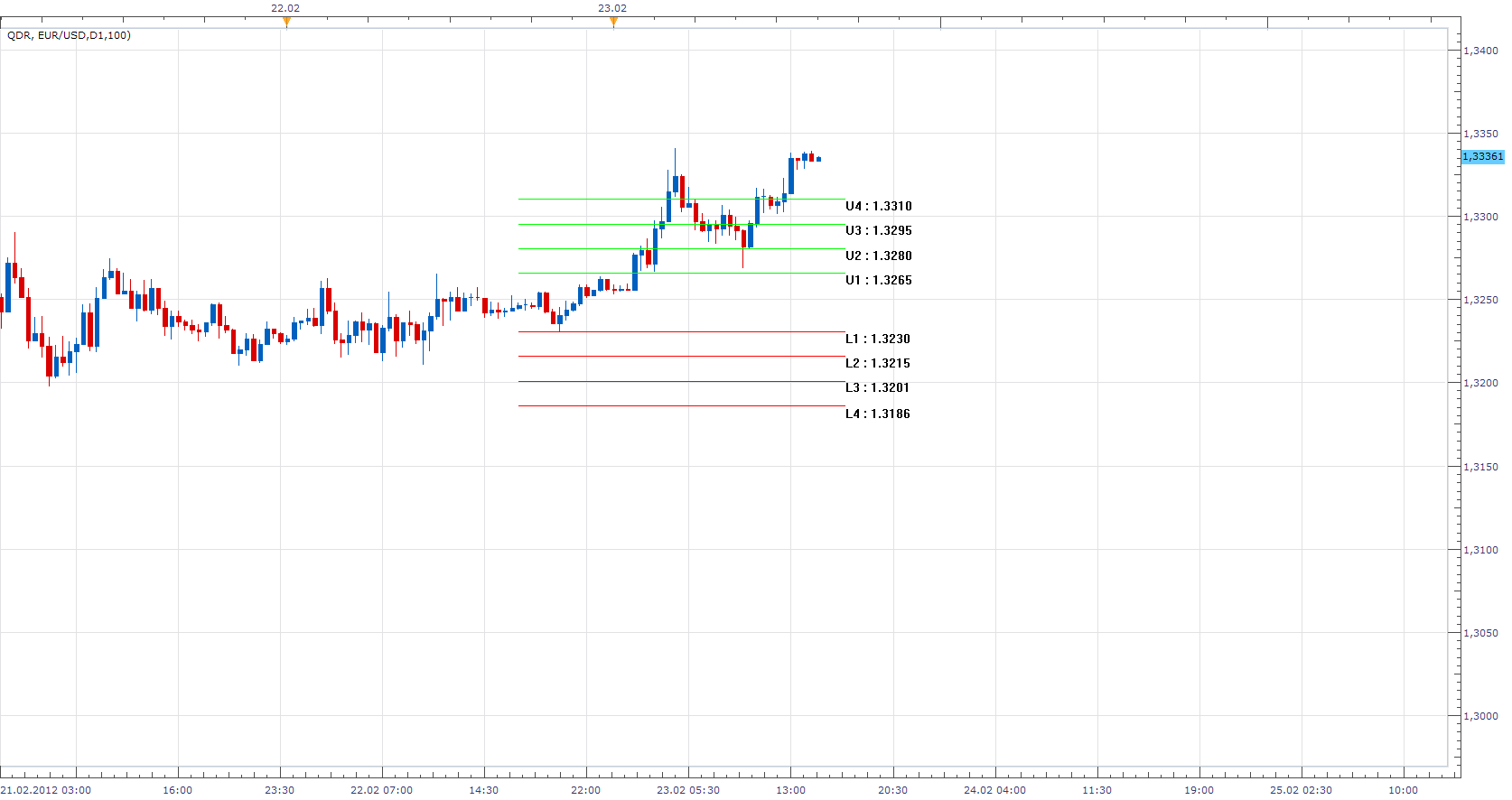
The indicator was revised and updated
Re: Quantitative Daily Range Indicator (QDR)
GekkoBlueHorseshoe · Thu Feb 23, 2012 3:02 pm
Apprentice,
First of all, Many Thanks for coding this up in such a short space of time.
You have ‘hit the essence’ of it however, there are a few problems:
1) I can only display the lines when I select ‘place under chart’ from the ‘Location’ tab. 2) The indicator shows errors when it runs (“select lower time frame”). 3) There seems to be a problem with the calculations as the values generated are way off the mark and they update with every increase/decrease in price.
If I give you the source code for my original VB application, that should help iron out the calculation errors.
Once the above errors/faults have been eradicated, I will be able to better explain the indicator for the other members.
Re: Quantitative Daily Range Indicator (QDR)
Apprentice · Thu Feb 23, 2012 3:11 pm
If you select D1 from Indicator parameter menu. You can use time frames less than or equal to D1. And so on.
Re: Quantitative Daily Range Indicator (QDR)
Apprentice · Mon Mar 05, 2012 4:59 am
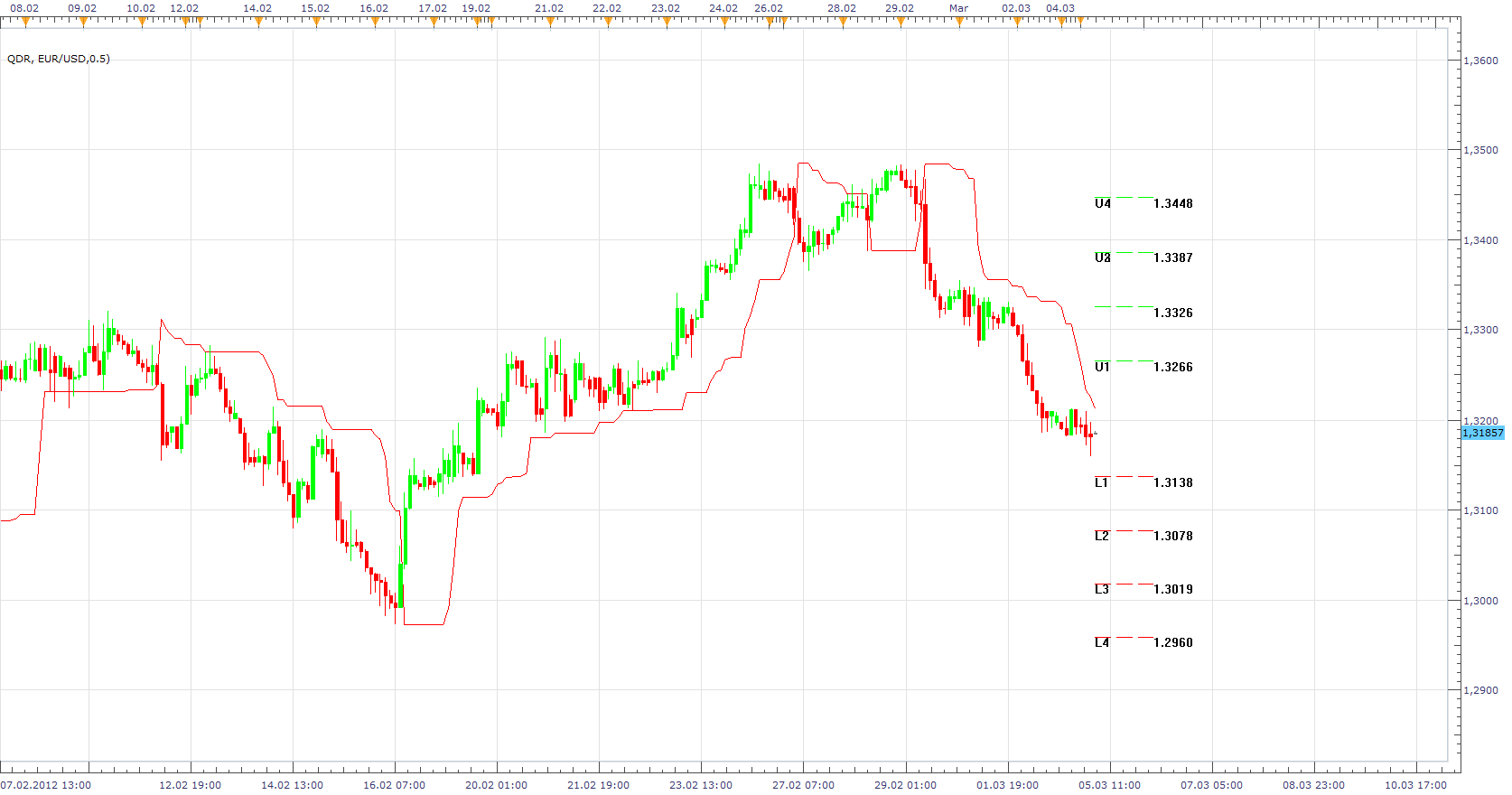
Re: Quantitative Daily Range Indicator (QDR)
Apprentice · Mon Apr 03, 2017 5:40 am
Indicator was revised and updated.