fxcodebase-backup
Set stop/limit for all trades
Source: https://fxcodebase.com/code/viewtopic.php?f=17&t=65384
Forum: 17 · Topic 65384 · 8 post(s)
Set stop/limit for all trades
Alexander.Gettinger · Tue Nov 21, 2017 2:14 pm
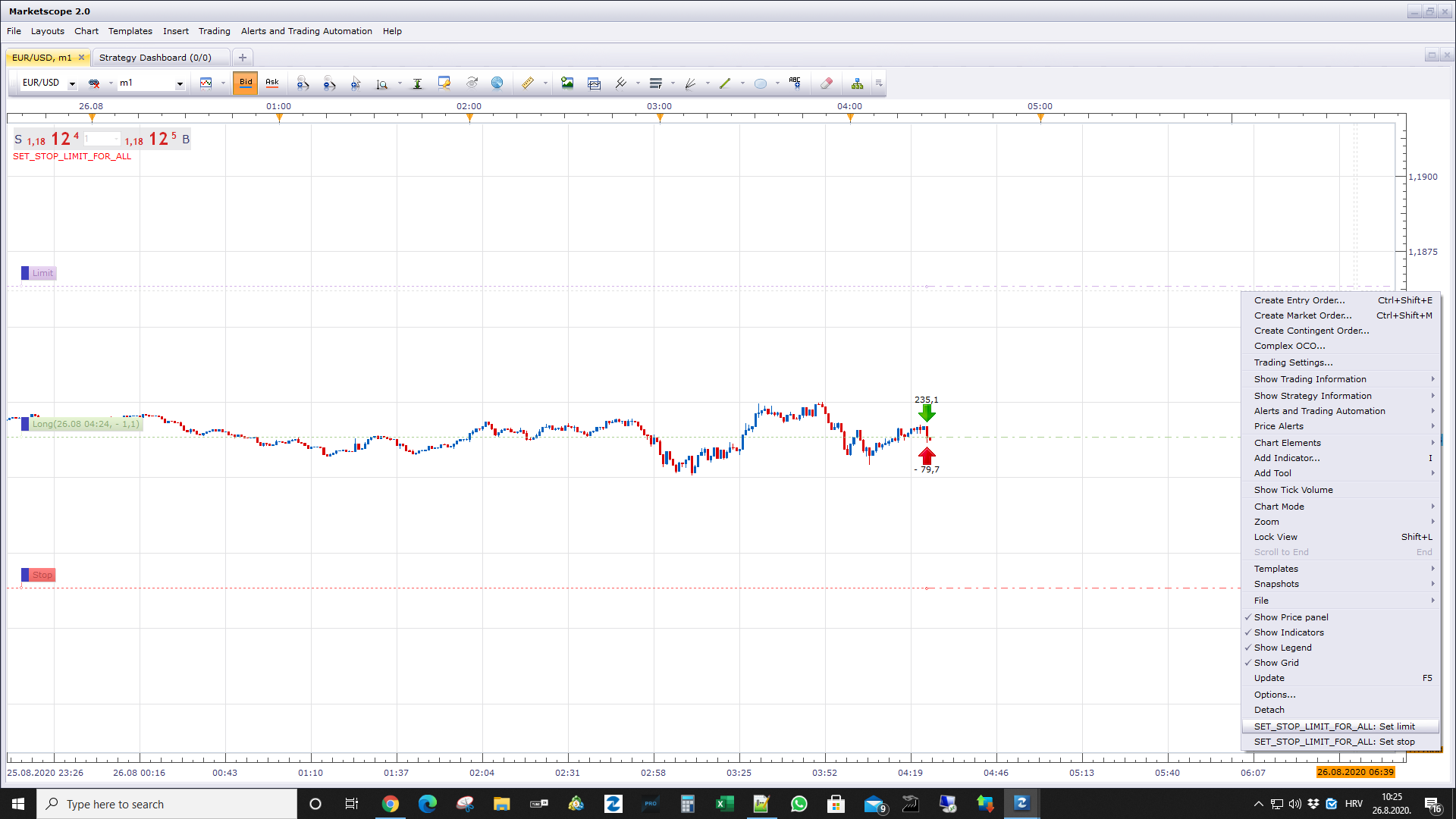
The indicator by the command sets a stop or limit for all trades. Commands are available in the menu by right-clicking the mouse.
Download:
MT4/MQ4 version. viewtopic.php?f=38&t=70479
Re: Set stop/limit for all trades
Apprentice · Tue Aug 07, 2018 4:43 am
The Indicator was revised and updated.
Re: Set stop/limit for all trades
Gilles · Wed Aug 19, 2020 7:36 am
Hi Alexander,
Please can you provide a MT4 release of that ? Thank you :) ! See you soon :)
Re: Set stop/limit for all trades
Apprentice · Thu Aug 20, 2020 6:21 am
Your request is added to the development list. Development reference 1914.
Re: Set stop/limit for all trades
neel111 · Tue Aug 25, 2020 1:54 pm
Alexander.Gettinger wrote: The indicator by the command sets a stop or limit for all trades. Commands are available in the menu by right-clicking the mouse.
Download:
The attachment Set_Stop_Limit_For_All.lua is no longer available
sorry if question is dumb, i tried to use this and limit pip profit, means i set fix profit set in this indicator(pic. attached ) , i want to fix my profit 4 Pip (example) , mean when ever i put trade manually either Buy/Long or Sell/short , it close trade automatically after 4 pip favor (or desired set value pip) , for loss or negative side pip it should stay open, trade only close on profit side, i am new and many time i have to leave trade unattended so this small 4-7 pip auto close trade tool works for me, is this indicator work for that ? i tried to set the value in box while trade was on till 7 pip positive it didn’t close , seems i am doing something wrong, help appreciated thanks in advance
Re: Set stop/limit for all trades
Apprentice · Wed Aug 26, 2020 5:15 am
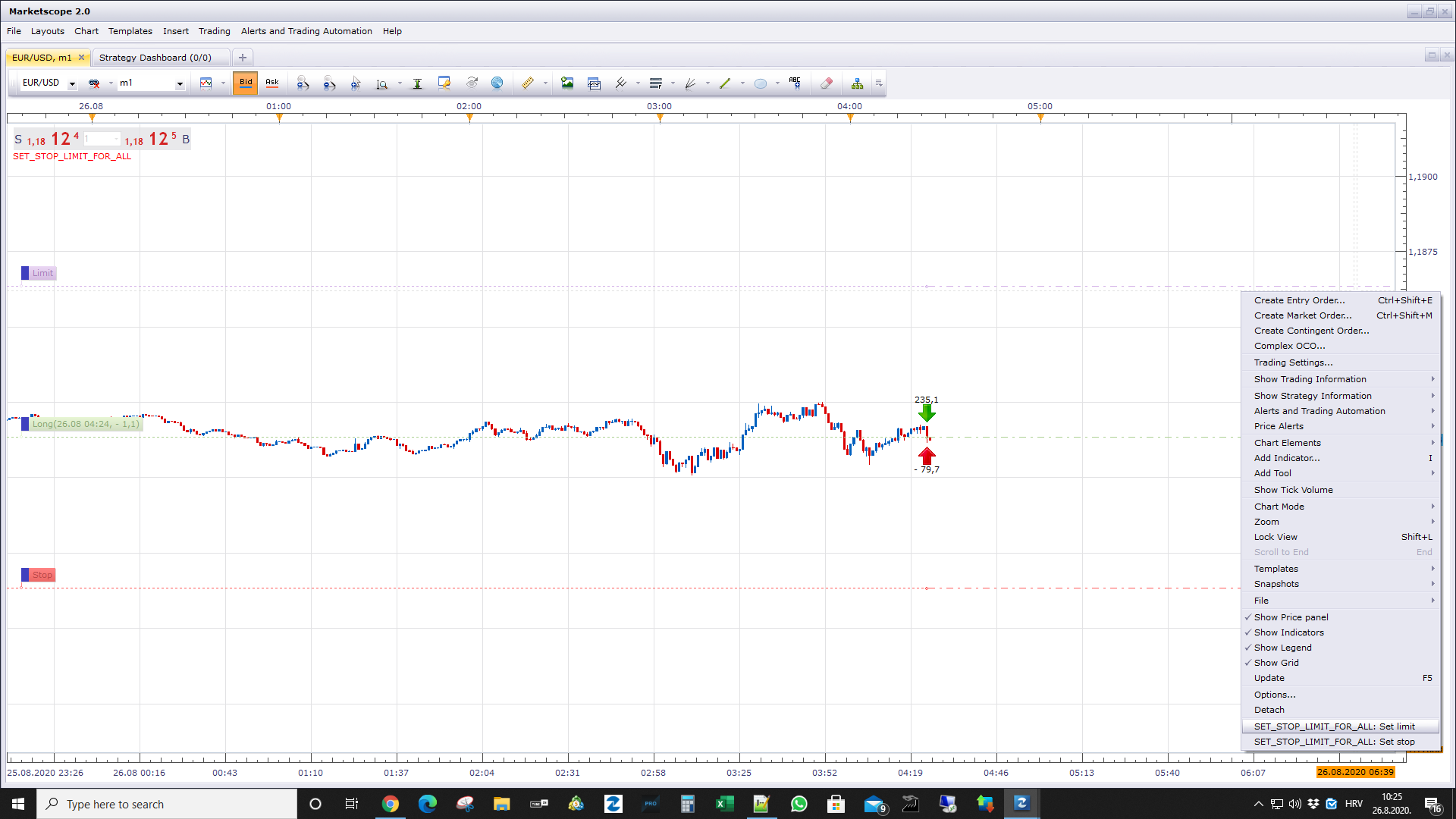
After you add an indicator to the chart, you will need to start the process by clicking on “Set limit” or “Set stop”
Re: Set stop/limit for all trades
neel111 · Wed Aug 26, 2020 2:00 pm
Apprentice wrote:
info.png
After you add an indicator to the chart, you will need to start the process by clicking on “Set limit” or “Set stop”
thank you very much !! will test today
Re: Set stop/limit for all trades
Apprentice · Thu Sep 24, 2020 2:51 am
MT4/MQ4 version. viewtopic.php?f=38&t=70479