fxcodebase-backup
Tru_EA
Source: https://fxcodebase.com/code/viewtopic.php?f=38&t=73365
Forum: 38 · Topic 73365 · 11 post(s)
Tru_EA
Apprentice · Fri Feb 10, 2023 8:29 am
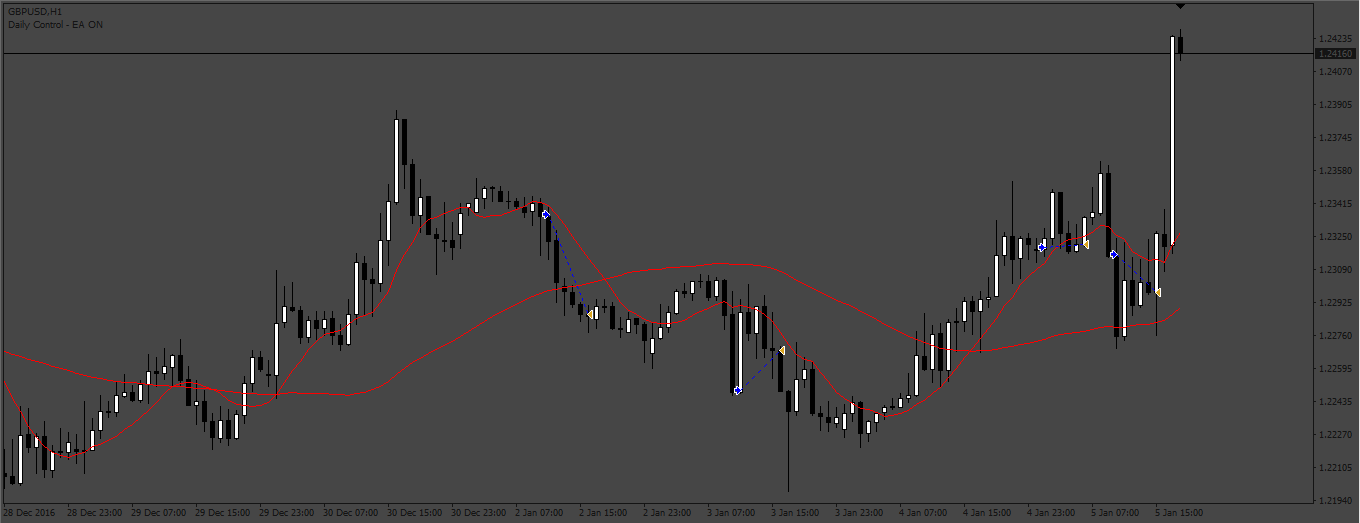
Based on the request. https://fxcodebase.com/code/viewtopic.php?f=38&t=73332
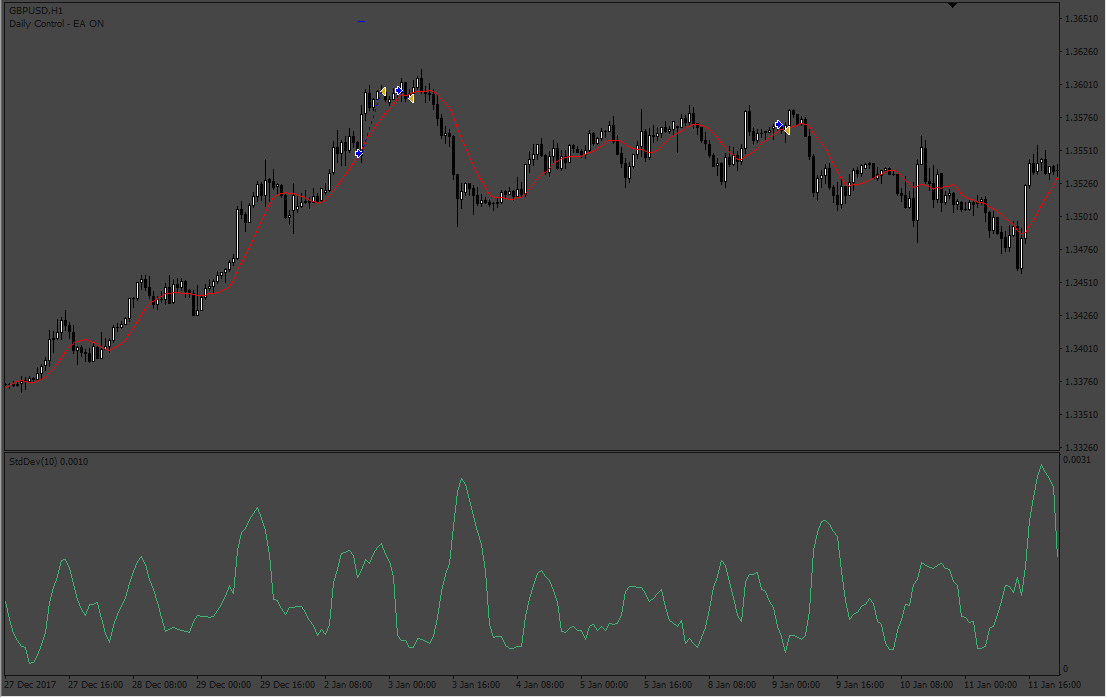
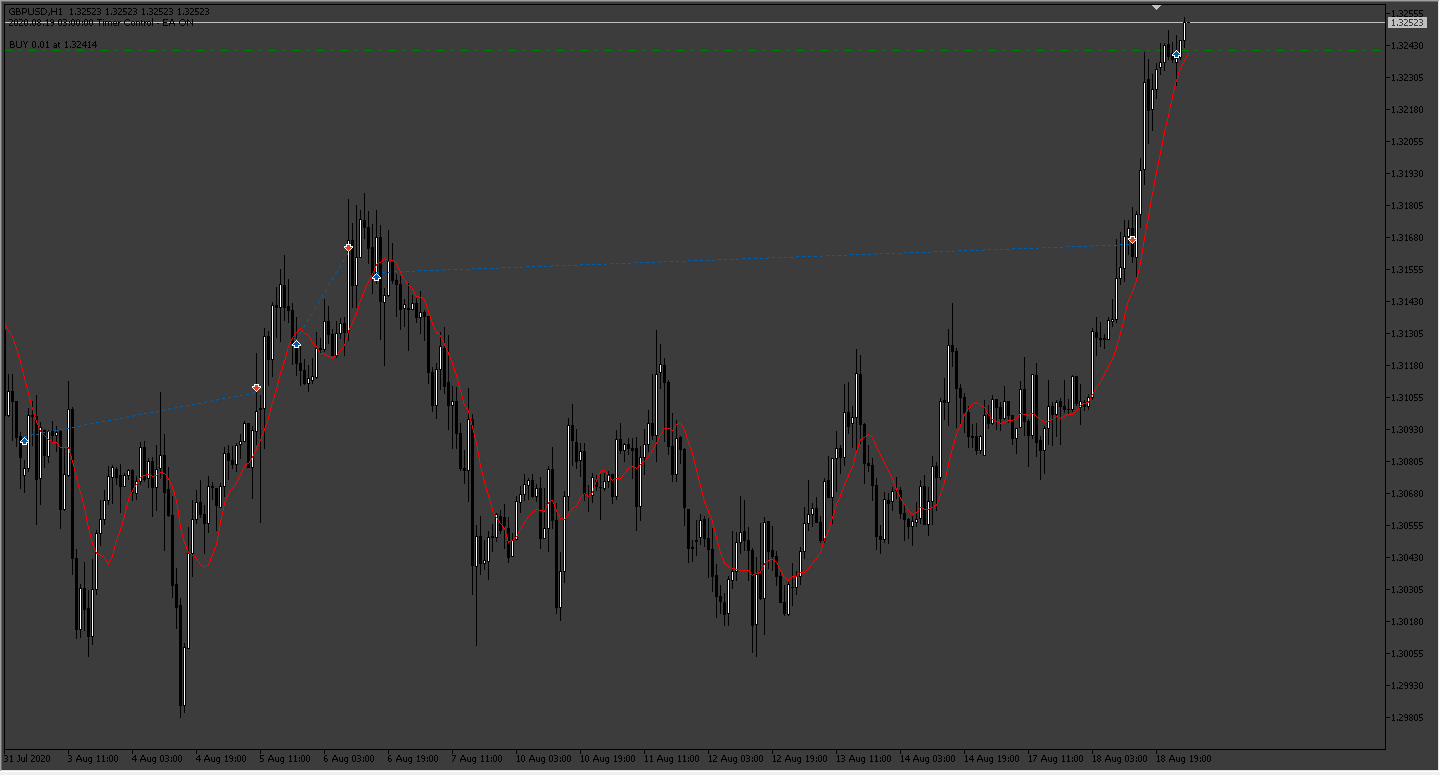
Re: Tru_EA
Elielson00x · Mon Feb 20, 2023 2:26 am
Hello apprentice, hope you are well.
You can edit this EA, setting it only for the Bot to enter after crossing the averages with the closing of the candle, and exit the trade after the averages cross again in the opposite direction, in this case the first trade is closed and a second one is closed. trade is open but in the direction of the new crossover. The rest of the settings can remain the same. Grateful!
Re: Tru_EA
Apprentice · Wed Feb 22, 2023 2:56 am
We have added your request to the development list. Development reference 158.
Re: Tru_EA
Elielson00x · Wed Feb 22, 2023 9:10 am
Apprentice, thanks for your attention, if possible make the change to the MT5 Platform please. Thank you friend!
Re: Tru_EA
Apprentice · Tue Feb 28, 2023 4:36 am
We have added your request to the development list. Development reference 198.
Re: Tru_EA
Apprentice · Tue Feb 28, 2023 5:53 am
V2 based on request 158. added.
Re: Tru_EA
Apprentice · Tue Jul 04, 2023 10:36 am
MT5 version added.
Re: Tru_EA
TruCxpt · Sat Aug 05, 2023 12:48 pm
Apprentice wrote: MT5 version added.
For the Tru_V2, I have these simple requests:
-Removal of parameters:
- Close by Number of candles exit rule.
- Standard dev exit rule.
- Trailing stop loss.
- Setup Lots by Money and Account balance.
-and the fix of these settings
- On/off daily control function to accurately run in line with scheduled Days of week and Time. Aka actually turning on/off when it’s meant to.
- Making sure that Breakeven pending orders always execute (invalid pointer access in “” (2829,33) fix that please.
If it’s possible to add a current Detrend “Value” in the chart, and what the Detrend value of the selected period is, that would also be great. This is to visualise and see the current market condition and how far the current price has detrended against the calculated “N period” - Note close of bar to enter is still applied.
Simple EA placing order when detrend value condition is met. Uses a time schedule, turns off/on when local time permits. Breakeven Sl is always ready.
Thanks
Re: Tru_EA
Apprentice · Tue Aug 08, 2023 3:12 am
We have added your request to the development list. Development reference 674.
Re: Tru_EA
Apprentice · Thu Aug 10, 2023 12:28 pm
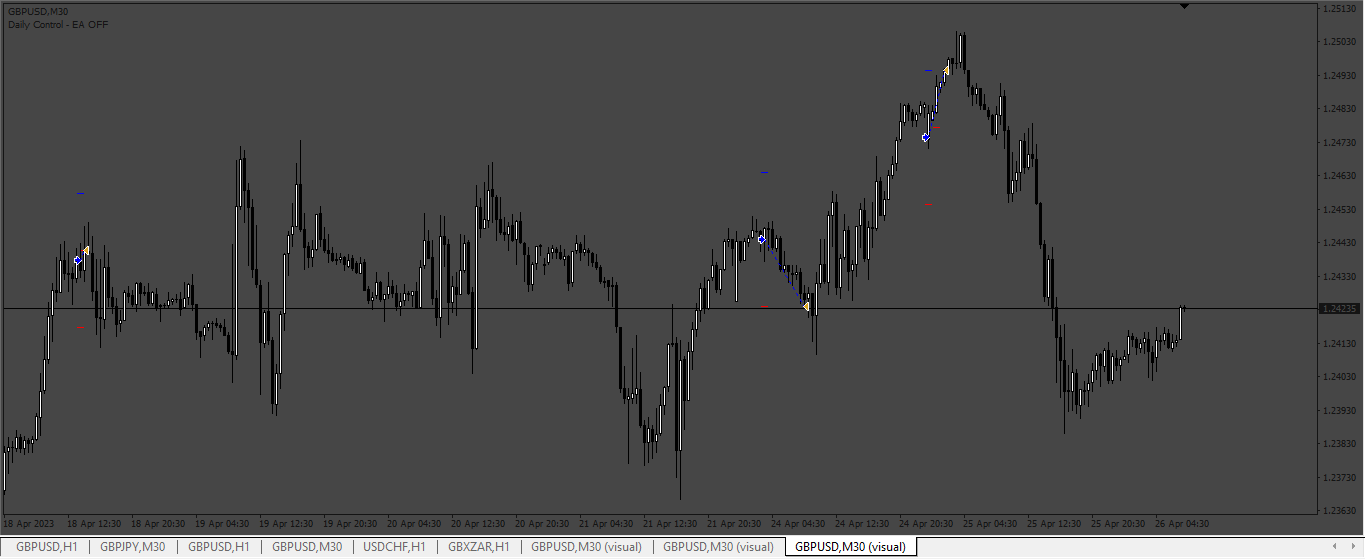

Re: Tru_EA
TruCxpt · Fri Aug 18, 2023 6:26 pm
Apprentice wrote:
674.png
SetGMTtimeZone.png
Tru_EA_v3.mq4
It barely enters any trades as it did before. I don’t really understand how this EA needs 4000 lines of code just to enter with a detrend formula, TP/SL/BE and Time schedule/notification
All I ask is to add a “monitor” for the V2 EA showing the current close bar detrend value and the detrend length period value.(Because its using a lookback period to compare the current price hence “Detrend”). So its possible to see how far exactly price needs to move in order to enter. Otherwise there’s nothing to really reference off or monitor when the EA will enter a trade.