fxcodebase-backup
Volume
Source: https://fxcodebase.com/code/viewtopic.php?f=38&t=67181
Forum: 38 · Topic 67181 · 8 post(s)
Volume
Apprentice · Wed Dec 19, 2018 6:56 am
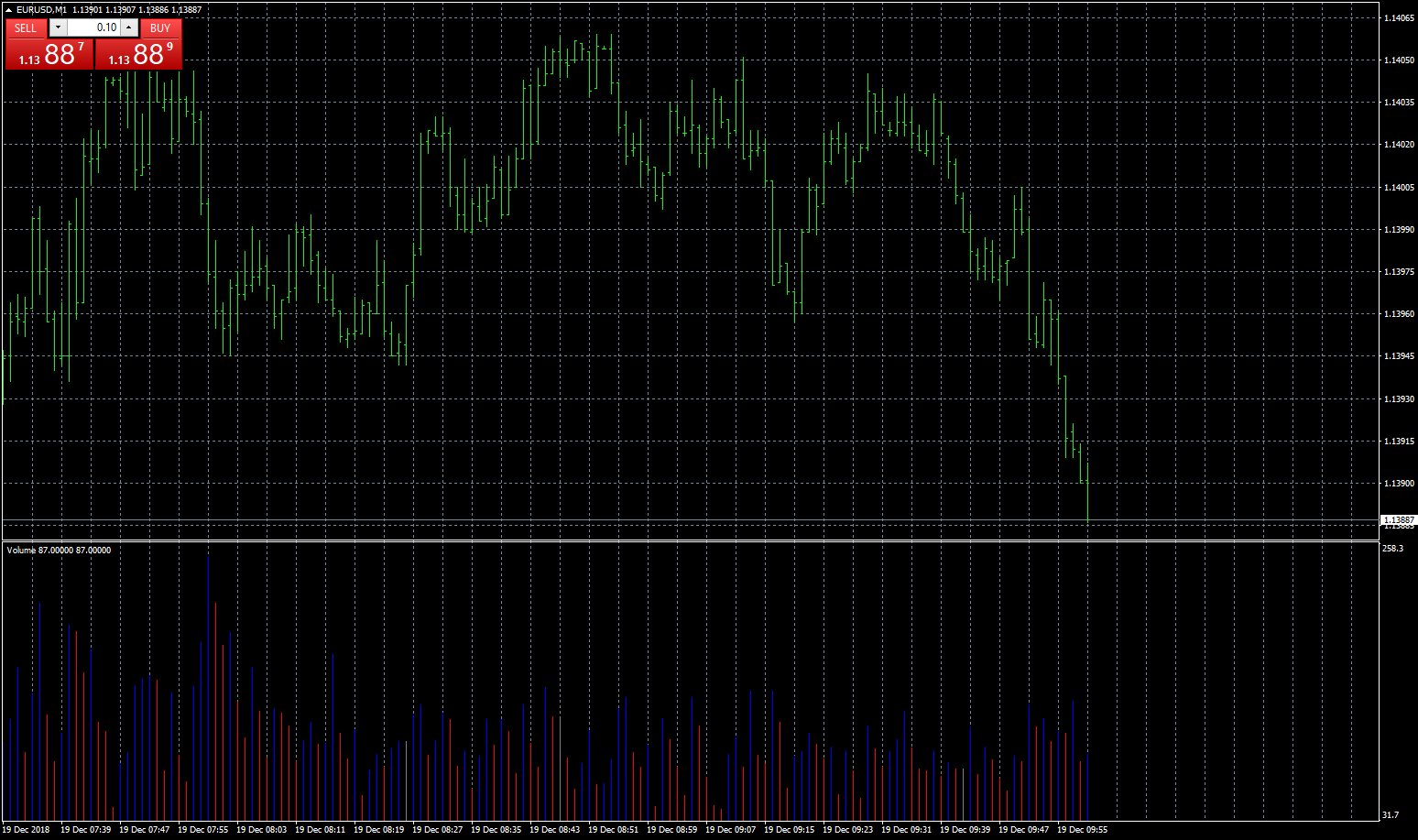
Based on request. viewtopic.php?f=27&p=122945 Colors volume bars if volume is higher/lower then previus two bars.
Simple up/down volume. Colors volume bars if volume is higher/lower then previus bars.
Low High Volume Continuation.mq4
Re: Volume
logicgate · Wed Dec 19, 2018 12:35 pm
Hello dear friend apprentice.
I haven’t downloaded the indi yet, but from the description I think you haven’t got it right.
Let’s say that the default volume color is blue. Then you have a bar that has lower volume than the previous two bars, it gets painted pink. If the next bar is higher than this pink bar, it gets painted blue, it does not need to have higher volume than previous two.
If the next bar after the pink has even lower volume, it still gets painted pink, until a higher volume bar gets painted blue.
Re: Volume
Apprentice · Thu Dec 20, 2018 2:41 pm
Low High Volume Continuation added. If you will NOT use Higher segment, change the High Blue color to Neutral Grey.
Re: Volume
logicgate · Thu Dec 20, 2018 3:45 pm
Apprentice wrote: Low High Volume Continuation added. If you will NOT use Higher segment, change the High Blue color to Neutral Grey.
Excellent, thanks so much my friend. God Bless!
Re: Volume
logicgate · Sat Sep 21, 2019 3:55 pm
Dear friend Apprentice, can you please code a version of this indicator where the coloring of the volume histogram is based on bar close?
For example:
if the bar closes abovethe previous bar close, volume histogram will be one color
if the bar closes belowthe previous bar close, volume histogram will be another color
So the criteria of histogram coloring is only the closes.
Thanks!
Re: Volume
Apprentice · Mon Sep 23, 2019 5:51 am
Your request is added to the development list. Development reference 113.
Re: Volume
Apprentice · Mon Sep 30, 2019 6:36 am
Try this version.
Re: Volume
logicgate · Tue Oct 01, 2019 8:41 am
Thx my friend, gonna test it right now.